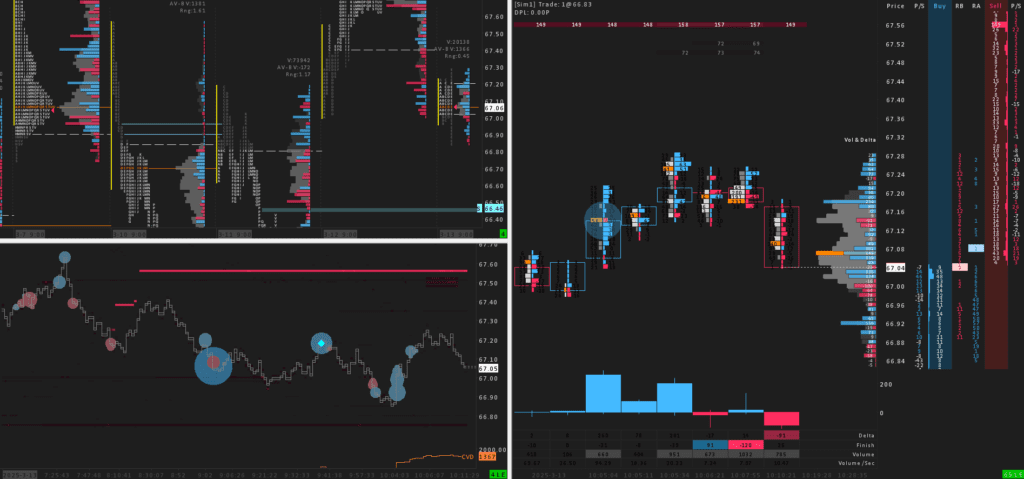
What's IncludedThree charts. One trigger.
From the daily TPO map to the footprint you pull the trigger from, with heatmap liquidity in between. Each chart feeds the next.
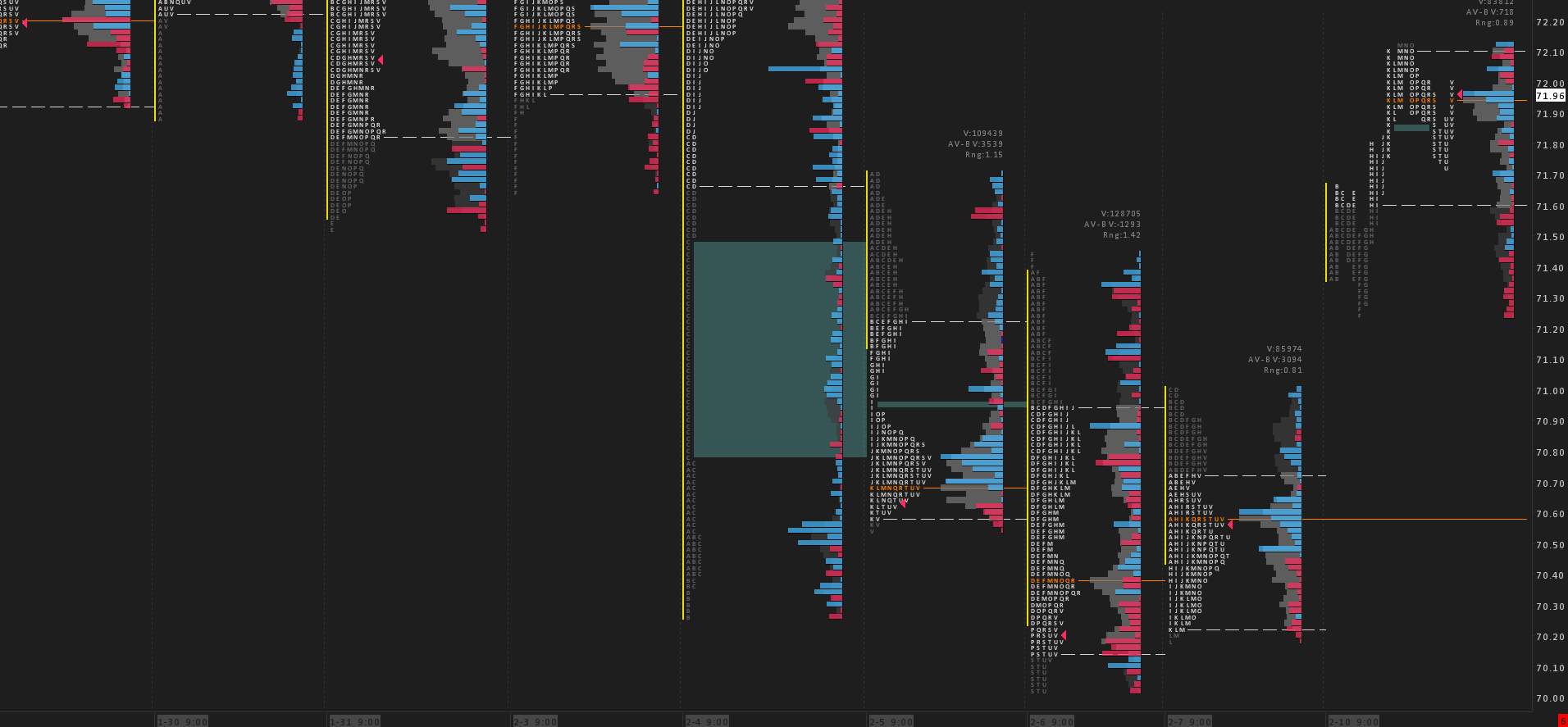
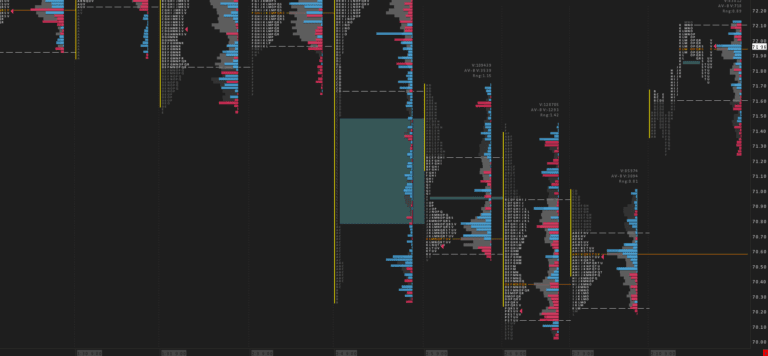
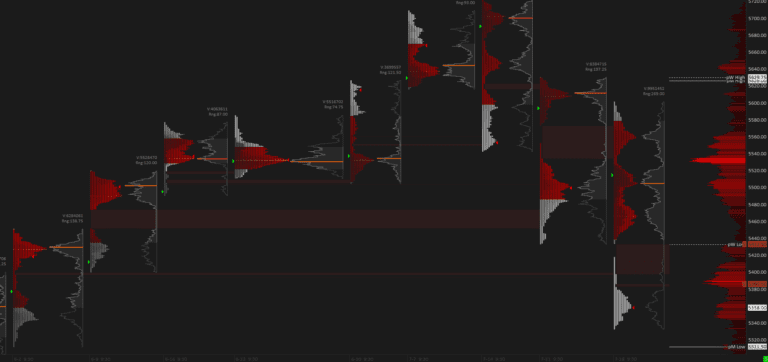
01 · Market MapDaily TPO with Volume & Delta Profile
Start with the session's auction map. A daily TPO built from 15-minute blocks, with a volume and delta profile overlaid, so you can read where value is building before you act - the zoomed-out context for everything below.
more
- Daily TPO drawn from 15-minute blocks for a clean read of the RTH auction.
- Volume and delta profile overlaid to show where value and aggression built.
- Tuned for the regular trading session (RTH).
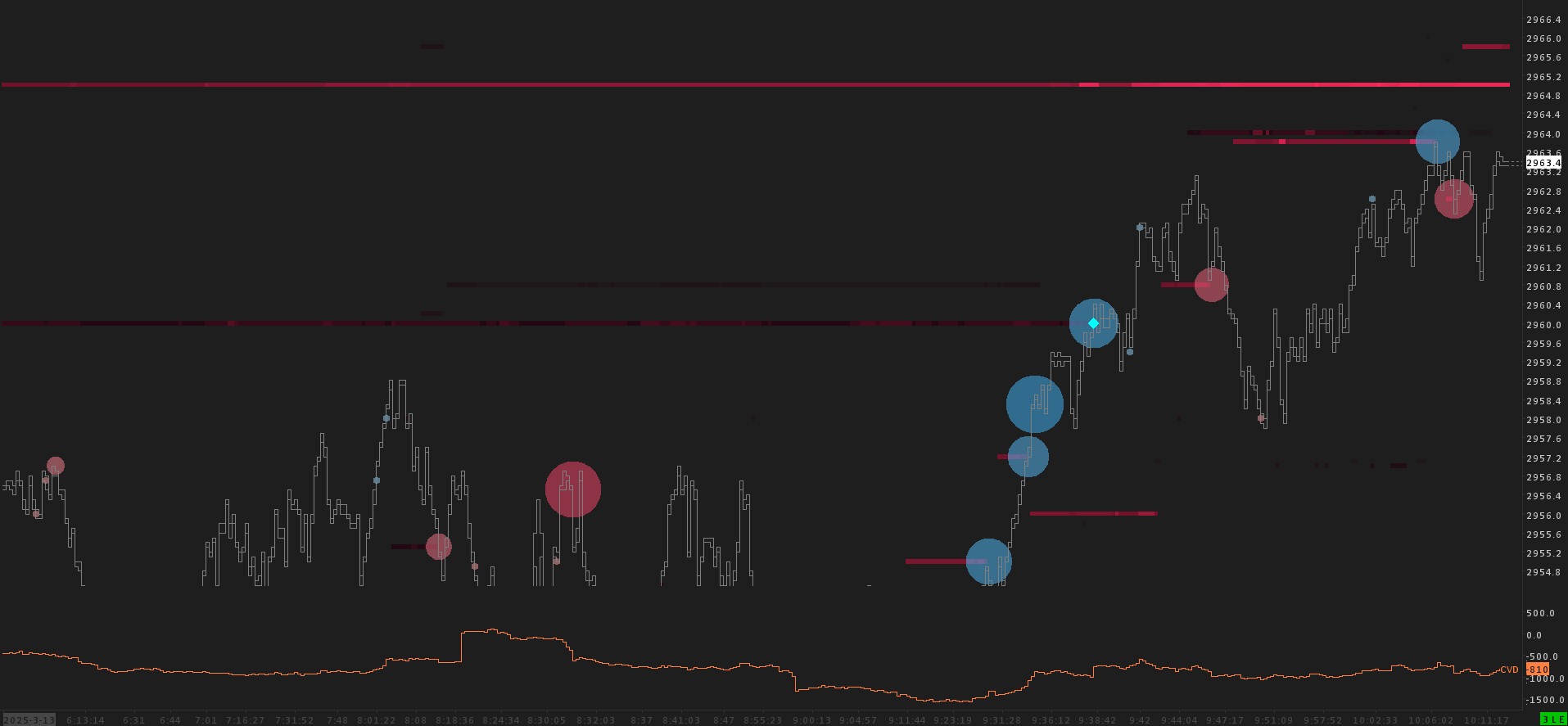
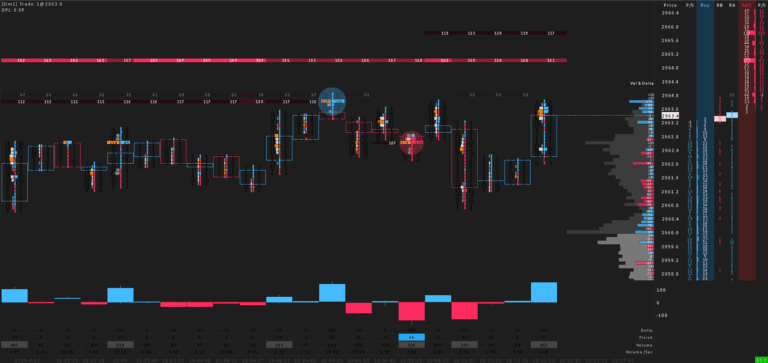
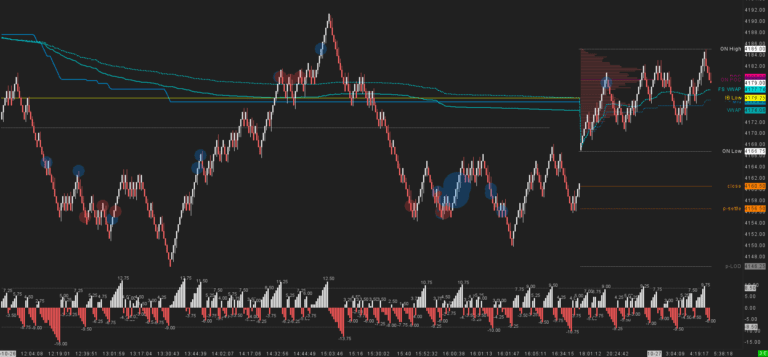
02 · LiquidityOrderflow Liquidity Heatmap
See the book, not just the tape. A liquidity heatmap reveals the resting orders behind price and the areas it is most likely to be drawn toward, across both the regular and overnight sessions.
more
- Liquidity heatmap reveals resting orders and likely areas of attraction.
- Sets up the footprint trigger that follows.
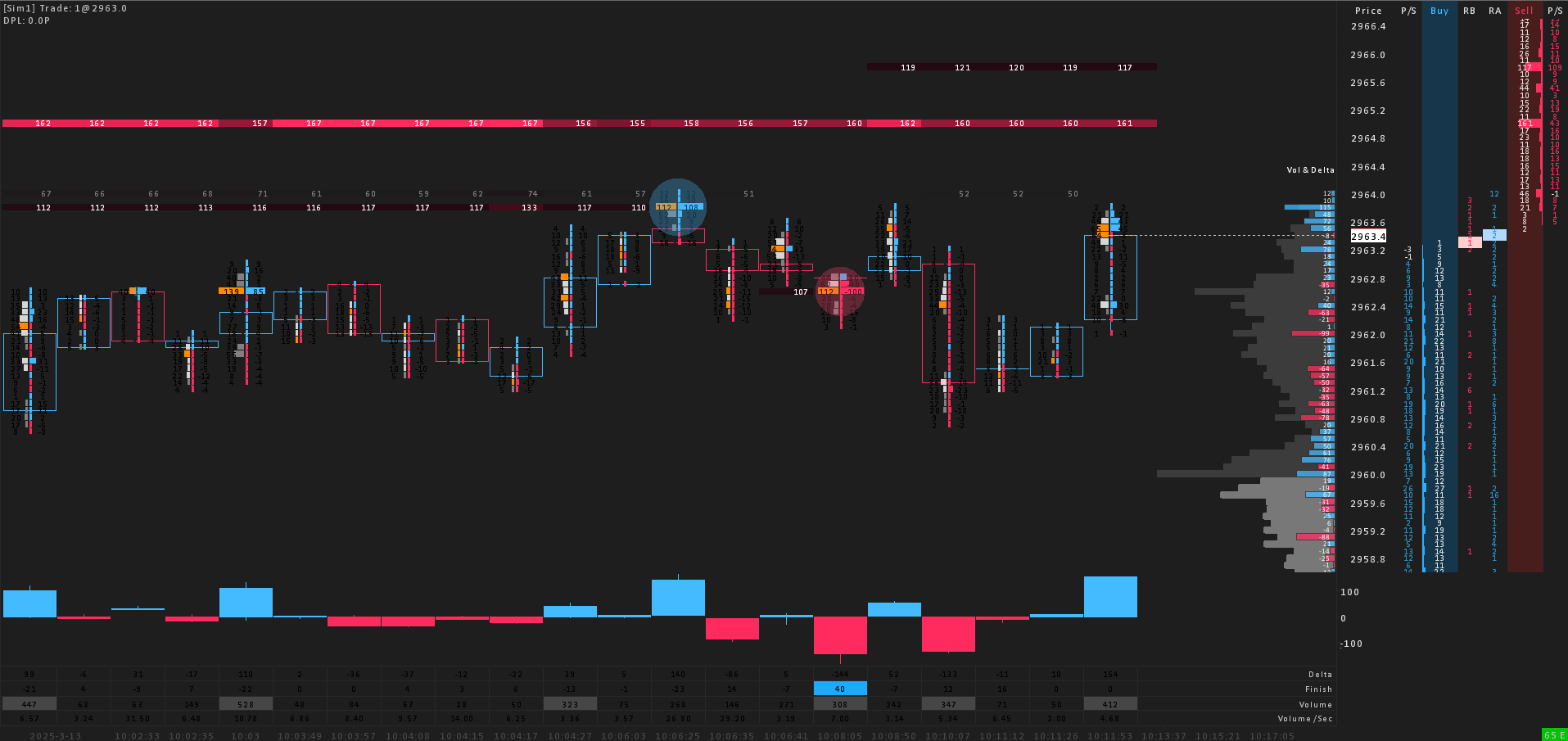
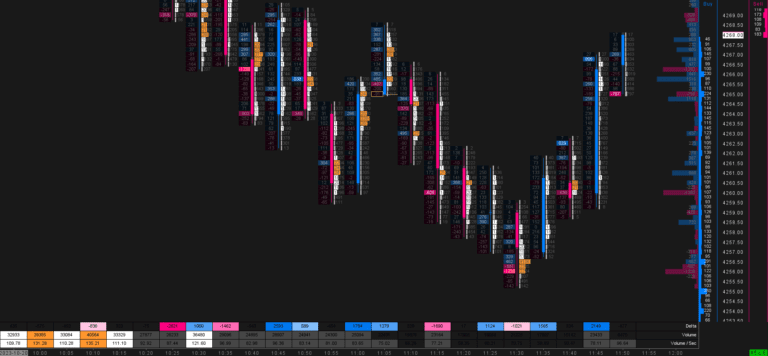
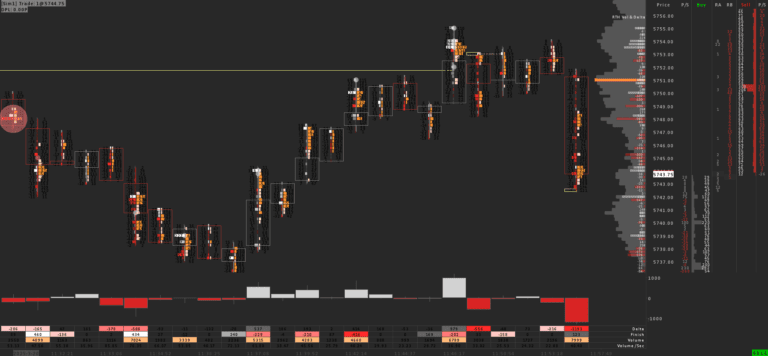
03 · Trigger ChartFiltered Footprint + Integrated DOM
The chart you pull the trigger from. A filtered, range-based footprint that surfaces the volume and delta that matter and filters out the noise, with delta bars and calculated values along the bottom and a ready-to-trade DOM docked alongside.
more
- Filtered footprint (range-based Point & Figure bars) highlights significant Volume (left) and Delta (right).
- Filtering cuts the noise so the focus stays on meaningful activity.
- Delta Bars and footprint calculated values run along the bottom of the screen.
- Integrated, ready-to-trade DOM for precise entries.
Good to knowFAQ.
What Sierra Chart package do I need?
We recommend Sierra Chart Package 11 for this template.
How do I install the template?
Can I use the template for all products?
Yes. Each version of this template is tuned for a specific market - choose ES (S&P 500), NQ (NASDAQ), Crude Oil and Gold above before adding to cart. For any other instrument, adjust the session times, scaling and volume settings to match.